FirmTalk AI.
Re-founding a legal-practice ERP as a system where agents run the process and people supervise it — the thesis, the design system, and a prototype that argues for both.
Scroll
Re-founding a legal-practice ERP as a system where agents run the process and people supervise it — the thesis, the design system, and a prototype that argues for both.
FirmTalk already worked. Matters, court diaries, conflict checks, trust accounting, time capture, partner revenue allocation, GST and e-invoicing — the depth was real, and so was the problem with it: everything it did was a known pattern executed competently, and its AI was a chat box over a database. A competent competitor could clone it. The engagement started from that honest assessment rather than from a redesign brief.

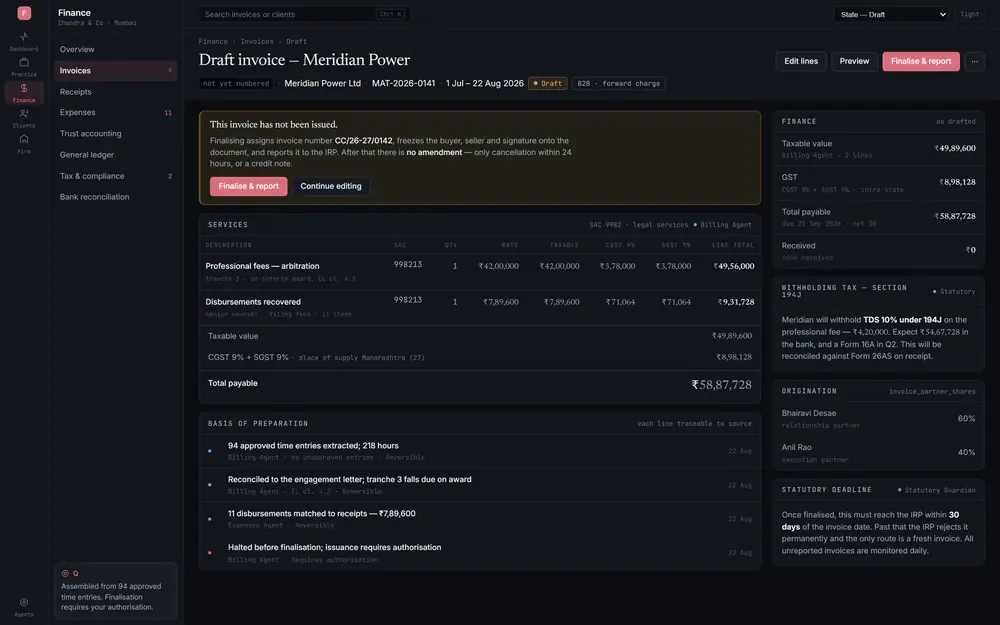
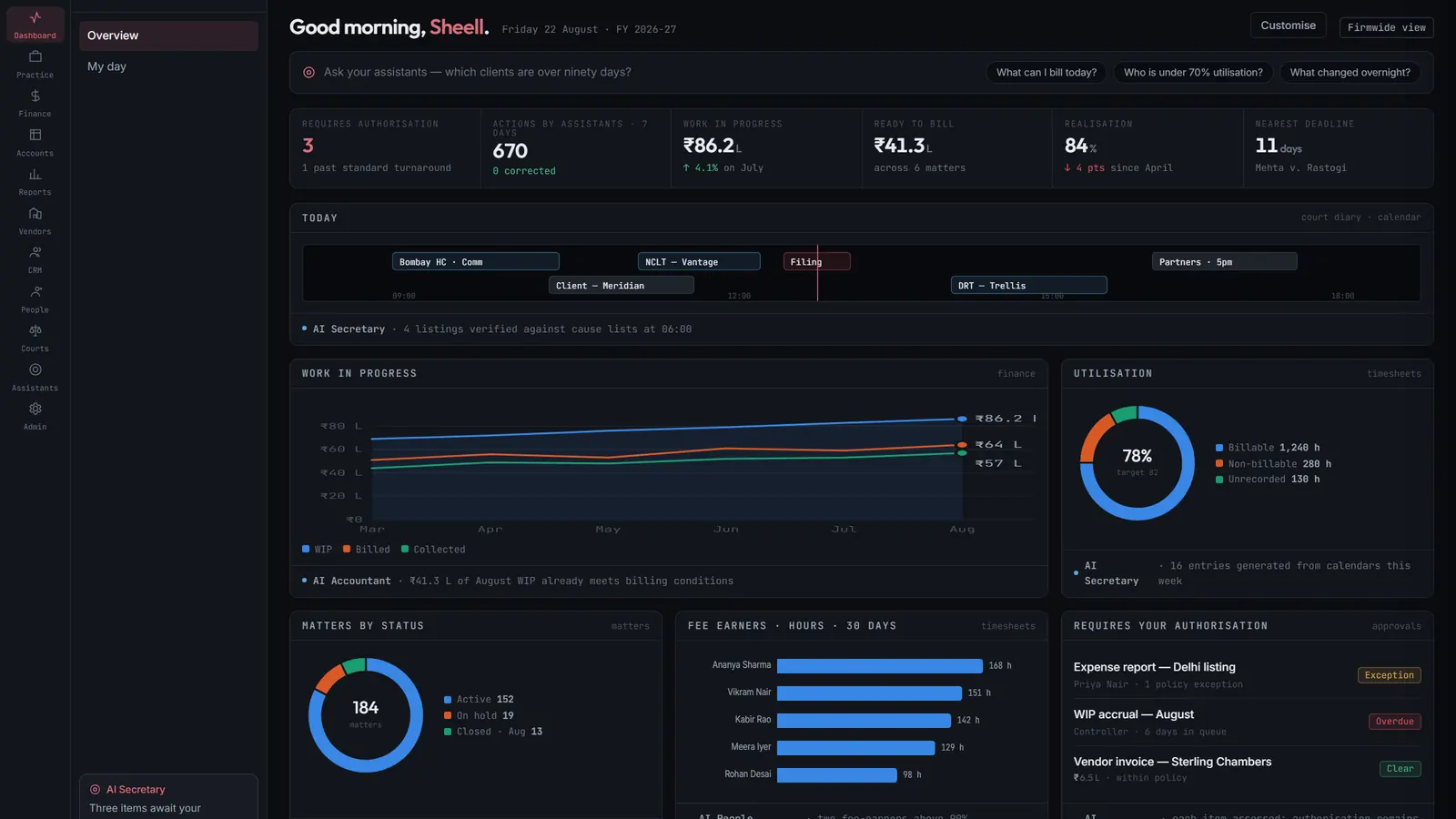
Every ERP's navigation answers where do I go to enter a thing. Module tree, list view, form, save, report. That shape follows from assuming the human is the operator. If agents are the operators, the question becomes what needs me now — and the centre of the product becomes decisions, exceptions and a briefing, with the forms kept for the exception path. Naming that inversion was the work; everything else follows from it.


A product this wide falls apart on inconsistency, so the rules are checkable rather than advisory: one module one glyph, one 24-unit grid at a 1.5 stroke, three icon sizes and no fourth, status always a glyph and a label. Five concepts the icon library had no word for — presence, granted authority, escalation, provenance, acting autonomously — were drawn to the same grammar. A build script is the only way into the sprite, and the test suite fails when it goes stale.

A blueprint nobody can operate is a document. Eighty-four screens were built as a working prototype — the day view, dockets, conflicts, approvals, trust accounting, billing — so the inversion could be tested against the reflex to ask for the invoice list, and so a partner could be shown the difference rather than told it.